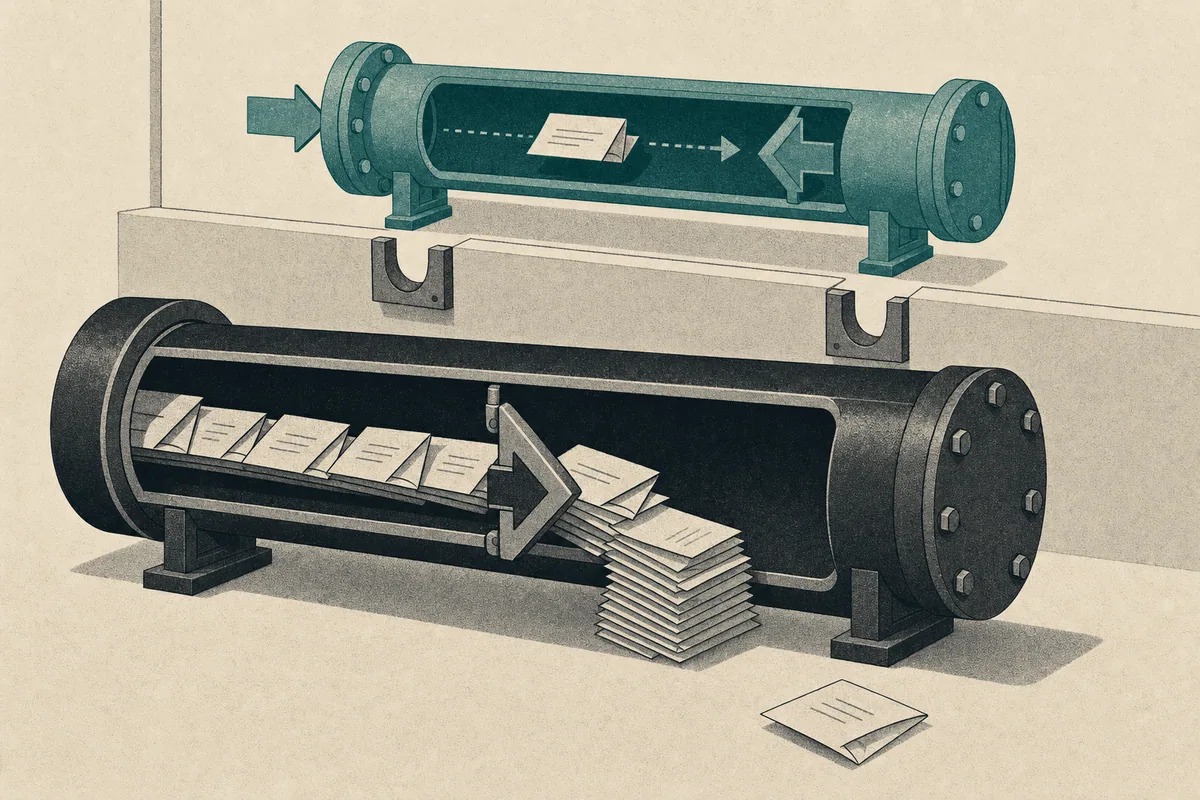
The Plugin Only Wrote, It Never Read
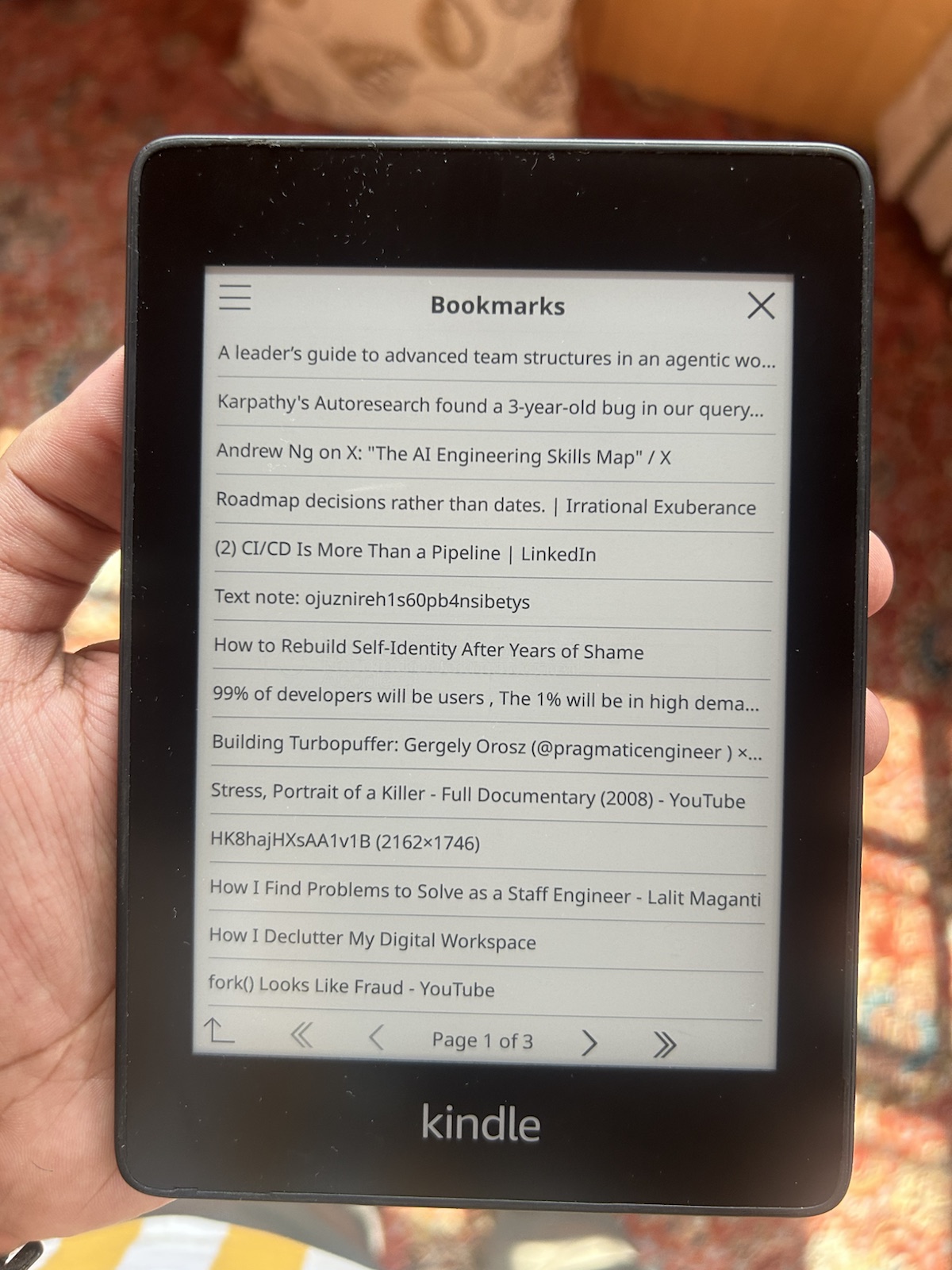
I installed a KOReader bookmark plugin to browse articles on my self-hosted Karakeep server. Then I opened it and discovered that it could not browse bookmarks at all.
The software was AlgusDark's Karakeep plugin, which connects KOReader to a Karakeep server. The released plugin could save links and export highlights. It could not read anything back.
The useful work began with state discovery: what already existed, where the unfinished work lived, and which claims my device tests could support. Writing new code came later.
TL;DR
The browser I planned to build already existed on an unmerged branch. I added search, then spent most of my time on failures that appeared only on a real Kindle. The pull request names the paths I still had not tested.
Know which version this story describes
| Code location | Capability when I tested it | Status |
|---|---|---|
main and the latest release | Save links and export highlights | Released |
feature/browser | Browse bookmarks and download EPUB files | Unmerged branch |
| My pull request to that branch | Search plus three device fixes | Under review |
Note
The released plugin requires KOReader 2025.04 or later, Karakeep 0.25.0 or
later, and a Karakeep API key. Download the release, extract
karakeep.koplugin into KOReader's plugins/ directory, restart KOReader,
enable Karakeep under Settings → Plugins, and enter the server address and
token under Tools → Karakeep. Those steps do not install the browser branch.
The rest of this post concerns source code on the browser branch, not a promise about the current release. The release page contains the supported installation. Check the repository before installing because branch status can change.
The main branch README described the gap clearly:
[x] Create Bookmarks
    [x] Save links
    [x] Export Highlights
[ ] Browse your bookmarks
[ ] Search bookmarks
[ ] Download bookmarks for offline access
I had skimmed past the empty boxes. A summary I read earlier had flattened the checklist into prose and described all six lines as features. The primary source was one click away and unambiguous.
Note
A checklist is useful only if you notice the difference between [x] and
[ ]. Summaries often erase that distinction.
Check remote branches before writing code
My plan was simple: fork the project and build the missing browser. It survived for about four minutes, until the clone showed every branch on the original repository:
$ gh repo fork AlgusDark/karakeep.koplugin --clone
From https://github.com/AlgusDark/karakeep.koplugin
 * [new branch]      dev             -> upstream/dev
 * [new branch]      feature/browser -> upstream/feature/browser
 * [new branch]      main            -> upstream/main
The name feature/browser was hard to ignore. Compared with main, it was a
substantial piece of work:
$ git diff --stat upstream/main upstream/feature/browser
 22 files changed, 2790 insertions(+), 681 deletions(-)
The branch contained a bookmark browser, its own screen-navigation system, list views, and an EPUB downloader with embedded images. That was much more capable than the plain-text export I had planned.
Its newest commit fixed the redraw behavior of a loading indicator. That is the sort of detail people polish near the end of a feature, not at the start.
Had I ignored the branch, I would have produced a weaker duplicate and handed the maintainer a merge conflict. The five minutes spent checking remote work avoided a parallel implementation.
Tip
Run git branch -r before writing a line. An unmerged branch may contain the
project's most current design.
Add only what the branch lacked
The branch covered browsing and downloads. It did not contain search:
$ grep -rni "search" src/
$
That made the useful scope obvious. I added an API call, a search screen that followed the branch's existing pattern, an input dialog, and one menu entry. The change was about 117 lines.
Search results reuse the existing transformBookmark function and downloader.
There is no second download implementation to maintain.
I did make one bad guess. I assumed the API's searchMode setting accepted
exact or smart. The service's OpenAPI file, its machine-readable API
contract, listed fts, semantic, and hybrid. Checking the contract stopped
my guess from becoming a false promise in the code.
I verified the search endpoint against the live server, but I did not run the search interface on the Kindle before opening the pull request. That made search the least proven part of my change. The device fixes below had stronger evidence, so they became the center of the contribution.
Test the KOReader bookmark plugin on a real Kindle
The search feature was useful. The three bugs I found while running the branch on actual hardware were more valuable.
Empty results looked like a failure
My account had no lists. The server correctly returned a successful response
with an empty array: 200 and {"lists": []}. The next screen converted zero
rows into nil, Lua's “no value” marker, so the interface displayed Failed to load view data.
The fix was to show the screen's existing empty-state message. An empty account is valid, not broken. This bug was easy to miss on a maintainer's well-used test account and obvious on a new one.
Downloads went into an invisible folder
Downloaded books were saved under <data_dir>/karakeep/, inside KOReader's own
application-data directory. The path was writable, but it was not where a
reader looks for books. The files never appeared beside the rest of the
library.
I changed the destination to the user's configured home folder. The EPUBs then appeared in the file manager and cover browser.
Browsing did not wake Wi-Fi
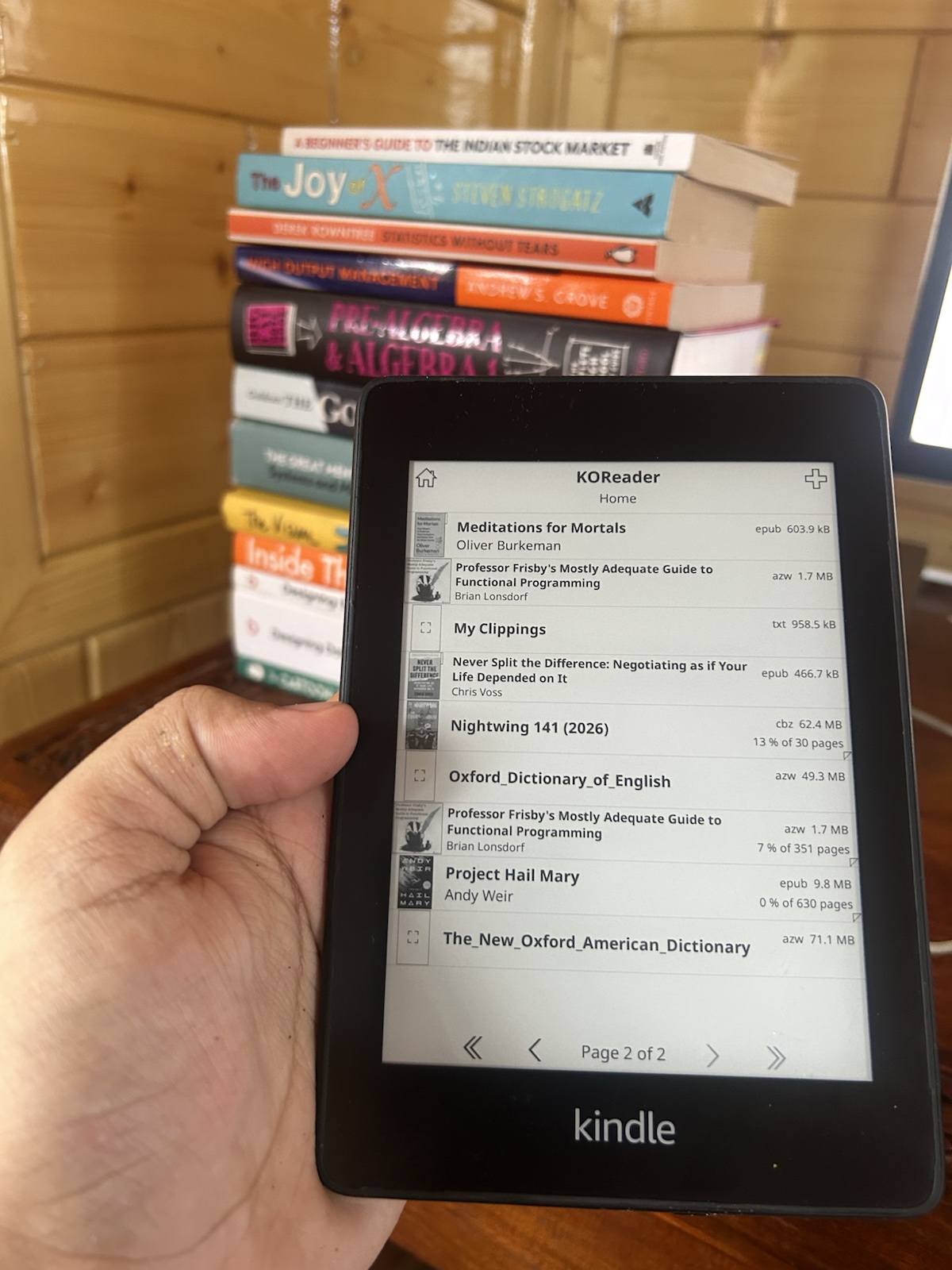
KOReader turns Wi-Fi off aggressively to save battery. The older save-link feature checked the network first, but the new browser screens did not. A real Kindle therefore failed with a vague socket error on the first attempt.
Routing navigation through NetworkMgr:beforeWifiAction() solved it. That
helper wakes Wi-Fi and then retries the requested action. Readers see a normal
connection flow instead of an unexplained failure.
All three bugs came from assumptions that were invisible in the original test environment. My empty account exposed the list path. The Kindle kept putting Wi-Fi to sleep, and its reader interface made a technically valid plugin-data directory a poor place for books.
Trace one bookmark through the failures
The branch's normal path was short:
menu tap → navigate → load view → call API → transform bookmarks → draw listEach fix preserved that path instead of creating another one.
Before the network fix, navigate called the API while Wi-Fi could still be
asleep. Wrapping navigation in beforeWifiAction() moved the same call behind
KOReader's existing network wake-up. For an empty account, the view now returns
a valid title and an empty item list instead of nil; the browser can draw its
empty state rather than the generic failure message. Search results still enter
the existing transformation and download path.
Moving EPUBs to the configured home folder made them visible, but it did trade plugin isolation for reader convenience. The files can now sit beside the user's books and must avoid name collisions. That is the right trade for a reader-facing download, but it is not a free change.
State what you did not test
The pull request targeted feature/browser, not main, because that is where
the unfinished feature lived. I kept the work in four separate commits so the
maintainer could take the fixes without taking search.
The pull-request description said:
Confirmed on device: browse lists bookmarks over the network; All lists shows the empty-state placeholder instead of failing; all 35 Lua files pass
luac -p.Not yet exercised on device: the search interface (the endpoint itself was verified against a live server and returned results) and an actual EPUB download into the new location.
That second paragraph felt uncomfortable to write. It was also the part that made the report useful. A maintainer can decide what to verify next only when the boundary is explicit.
luac -p checks that Lua files are syntactically valid. It does not prove that
buttons, network calls, downloads, or empty states work. Calling it a syntax
check keeps “tested” from becoming a vague confidence word.
What changed about how I contribute
I went in expecting to write a browser. I left with a smaller search patch, three device fixes, and a much clearer testing note. That was more useful than a parallel implementation, even though it was less impressive to count by lines.
Next time I will spend the first five minutes where I spent them late here: reading the actual README and every remote branch. After that, the unfamiliar device gets a vote. It is good at finding the assumptions a development machine has learned to hide.
The remaining failure was a bare network error. The final post in the series follows that error through TLS, DNS, Tailscale, and an HTTP proxy.