Jailbreaking a Paperwhite in 2026
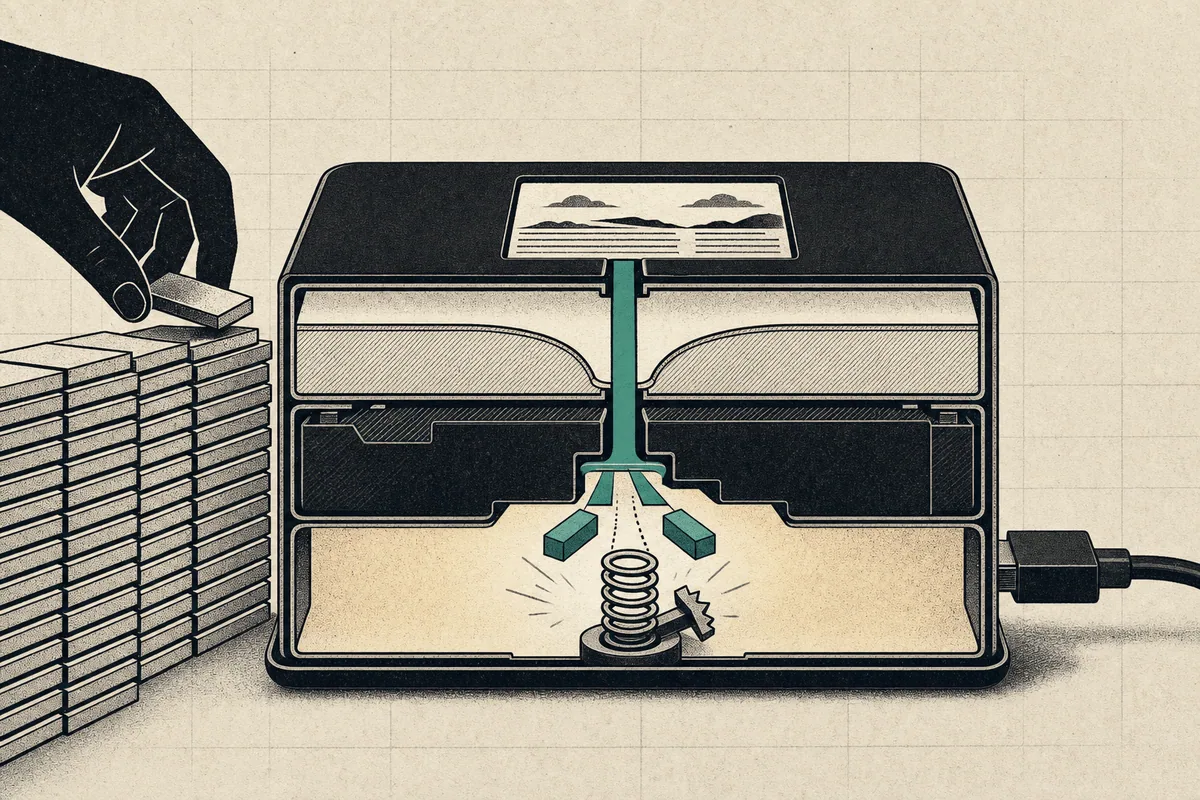
Jailbreaking my seven-year-old Paperwhite required a dangerous contradiction: I had to keep it online while preventing Amazon from updating it. The Kindle Paperwhite jailbreak on this device began with 5.7 GB of filler files and ended with a root exploit delivered over plain HTTP.
That contradiction is the point of the story. Compatibility, delivery, root access, persistence, and verification are separate decisions. The interface can restart successfully even when lasting control has not been established.
This result is specific to a Paperwhite 4 on firmware 5.18.1.1.1. Kindle firmware changes, so recheck current model compatibility before following it.
TL;DR
My Paperwhite 4 on firmware 5.18.1.1.1 was supported by the Sanctuary jailbreak. I confirmed the exact model, filled the storage to stop an update, ran the browser-based exploit, and checked its logs before removing the filler files. The process worked, but its plain-HTTP delivery still required trust.
Confirm the Kindle model and firmware
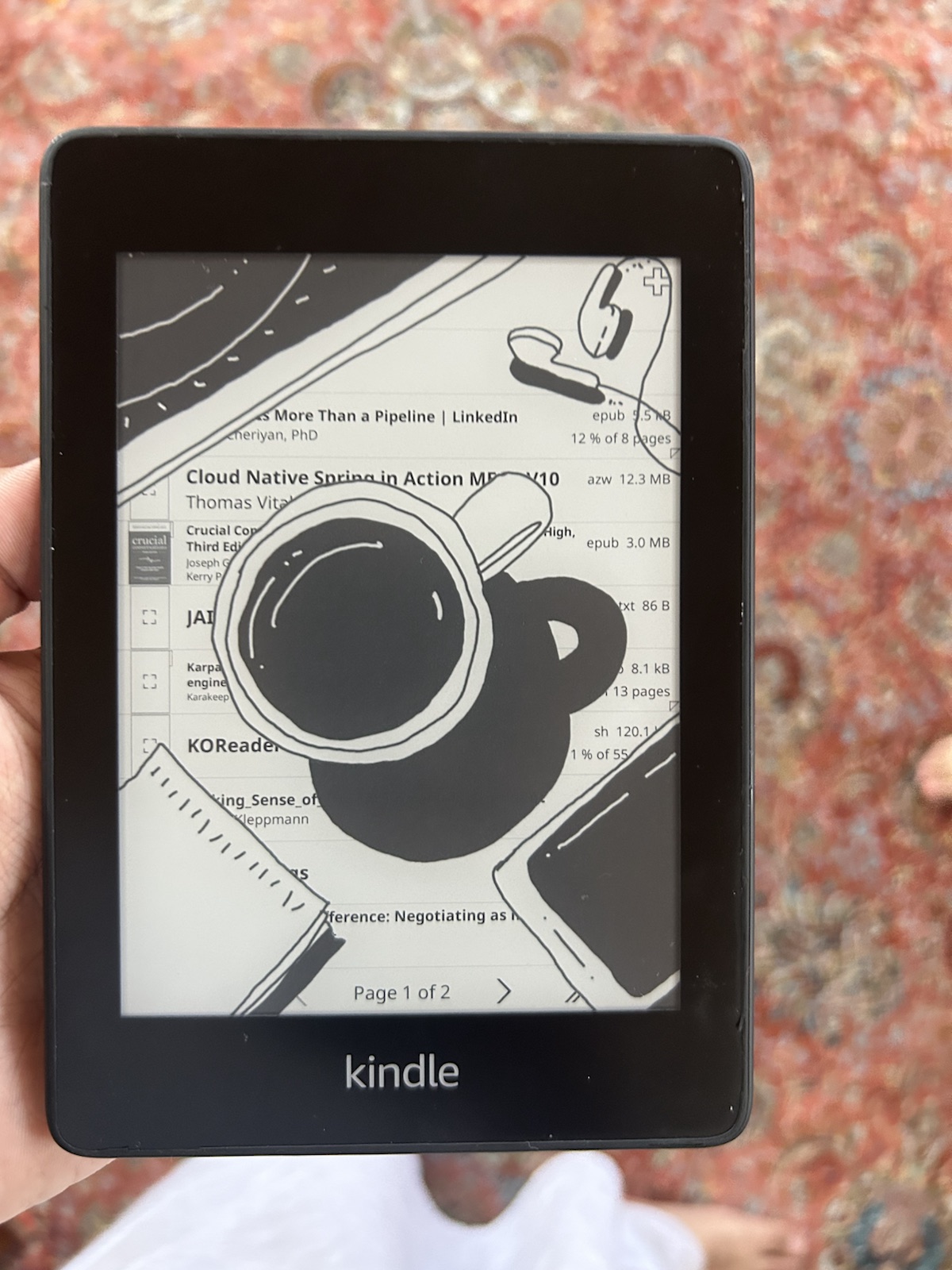
Do not trust the box or your memory. Both were wrong for me. Connect the Kindle to a computer and read the details from the device itself.
The USB serial number identifies the model:
$ ioreg -p IOUSB -w0 -l | grep -iE '"USB Product Name"|"USB Serial Number"'
"USB Product Name" = "Internal Storage"
"USB Serial Number" = "G00102XXXXXXXXXX"
Only the first six characters matter for the model. The rest identifies the
individual unit and should stay private. The prefix G00102 maps to a 2018
Paperwhite 4 with 8 GB of storage. The MobileRead serial-number
table is useful for
checking other prefixes.
The firmware version is stored in a text file on the mounted Kindle:
$ cat /Volumes/Kindle/system/version.txt
Kindle 5.18.1.1.1 (476968 023)
Those two facts, model and exact firmware, decide which jailbreak and add-ons will work. The marketing name alone is not precise enough.
Check whether Kindle software matches the firmware
At firmware 5.16.3, Amazon changed the application binary interface, or
ABI, used by Kindle programs. An ABI is the agreement that compiled programs
and system libraries use when they call each other. The older armel ABI
passes floating-point values through general-purpose registers and software;
armhf uses hardware floating-point registers.
The processor is still ARM, but binaries and libraries built for the two ABIs
cannot safely call each other. Older Kindle software therefore needs an
armhf rebuild. Most maintained projects provide one; some pre-2024 homebrew
does not.
Note
Check compatibility before getting attached to an add-on. An incompatible program may simply fail to start without a helpful explanation.
Let the jailbreak wizard choose the exploit
Several Kindle jailbreaks are still in circulation. Their support ranges overlap, and the public pages do not provide one complete comparison table. The community wizard combines the serial prefix and firmware to choose one.
I first read the individual pages and assumed Nosebleed was the right option. The wizard returned Sanctuary, with SpringBreak as a fallback. It was the better answer: the Sanctuary credits explicitly mention testing on a Paperwhite 4 running 5.18.1.1.1.
I nearly trusted my summary of the evidence over the maintained tool built for this decision. The Sanctuary installation guide was the primary source I should have followed from the start.
Block updates while Wi-Fi stays on
Airplane mode seems like the obvious protection against an Amazon update. It does not work for Sanctuary because the jailbreak runs through the Kindle web browser and needs Wi-Fi until the final step.
The workaround is to leave too little free storage for an update to download. I aimed for 70 MB free, below the roughly 90 MB threshold in the guide. This script writes large filler files first and then switches to smaller ones:
# Fill to a target of 70 MB free and check after each write.
avail() { df -m /Volumes/Kindle | tail -1 | awk '{print $4}'; }

set -e
mkdir -p /Volumes/Kindle/fill_disk
i=0
while [ "$(avail)" -gt 170 ]; do
  i=$((i+1))
  dd if=/dev/zero of="/Volumes/Kindle/fill_disk/f$i.bin" bs=1m count=100
done
while [ "$(avail)" -gt 70 ]; do
  i=$((i+1))
  dd if=/dev/zero of="/Volumes/Kindle/fill_disk/f$i.bin" bs=1m count=1
done
It created 69 files and left exactly 70 MB free. Writing 5.7 GB over USB 2.0 took about five minutes. Back up books and clippings before doing this; there is no benefit to risking the only copy.
Understand what the Sanctuary jailbreak asks you to trust
Sanctuary points the Kindle browser at a community server over plain HTTP, not HTTPS. The page finds a debugging service on the Kindle, downloads three files, and gives the device a session ID. Opening Settings → Help → Getting Started then runs the final step with administrator-level access, usually called “root.”
The lack of HTTPS is part of how the browser technique works. A secure webpage would block the local scan and file transfer. That explains the design, but it does not make the download authenticated.
There are two useful safeguards:
- The code that eventually runs as root is open source and can be inspected.
- The hosting domain belongs to a credited author of the jailbreak.
There is still a real gap. A network I control reduces the chance of a nearby attacker changing the download, but it does not prove the server or upstream connection is genuine. The guide does not provide a separate file hash that I could compare before execution. I accepted that remaining risk; other readers should make that choice knowingly.
Caution
“The script is public” and “this downloaded copy is authentic” are different claims. Only the first is established here.
This is what had to happen:
The model and firmware determine the exploit, and the browser delivers it. The logs cover the later stages: one records the root request while the other records privileged filesystem changes and update blocking. Neither authenticates the file that arrived over HTTP, so that trust gap remains.
Run the Sanctuary jailbreak
The on-device process was short:
- Open the current Kindle jailbreak wizard and confirm its result.
- Open the Sanctuary page, run its compatibility check, and compare the scrollbar with the guide.
- Open the main Sanctuary scanner and let it run for up to twenty minutes.
- Enter the new session ID exactly. Every
0is a zero. - Tap Connect and wait for “Downloads Done” plus three file notifications.
- Close the browser with the X, but leave Wi-Fi enabled.
- Open Settings → Help → Getting Started.
- Wait for diagnostic text and a restart of the Kindle interface.
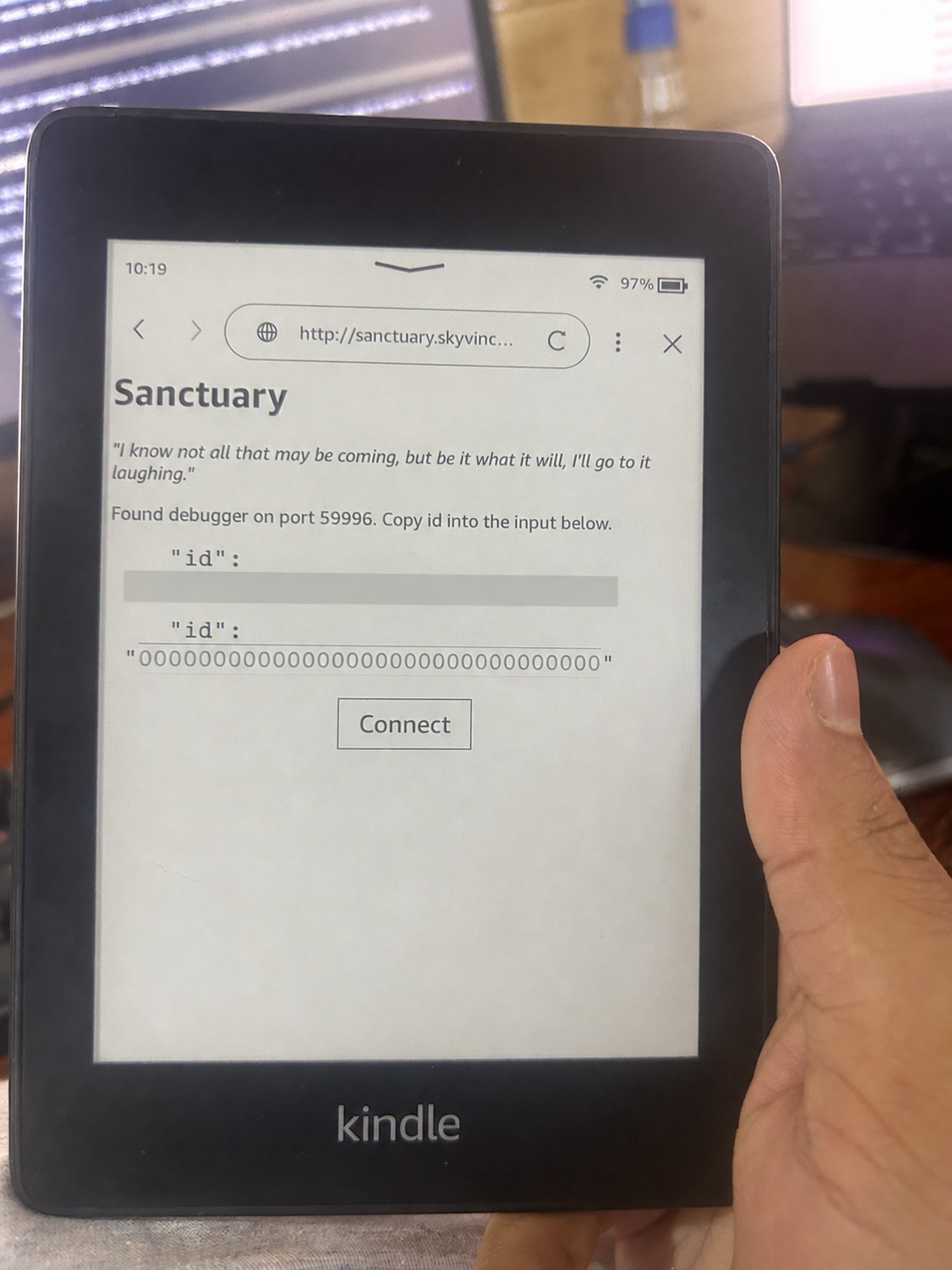
Two small details cost me time. The compatibility check and scanner are different pages, even though both look nearly blank. Also, the Kindle going to sleep interrupted my first scan. The retry needed a new session ID.
An “Application Error” dialog appeared during the restart. In my case the jailbreak had already succeeded, so the dialog was harmless.
Verify that the Kindle Paperwhite jailbreak worked
Do not treat a restarted screen as proof. Read the installation log:
Deleting old hotfix
Setting up hotfix and emergency runners
Running KMC System Patcher
Patching '/app/kpp_app_cmds.json'...
Stopping OTA
Renaming OTA
Renaming otaupd
Renaming otav3
Patching factory reset script
Done
Restarting GUI...
In plain language, this says the jailbreak gained root access, installed its survival tools, and disabled over-the-air (OTA) updates. The factory-reset patch helps stop a reset from silently undoing that protection.
sanct_privesc.log records the privilege-escalation request. This is the step
that attempts to turn browser access into root access:
Sanctuary 1.2.0
Restoring appreg.db from backup
Checking for update files in /mnt/us
No update files found
Grabbing jb.so
Success: jb.so downloaded to /tmp/jb.so
Performing privilege escalation
Privilege escalation request submitted
Privilege escalation request submitted proves that the request was issued;
it does not prove success by itself. The later system-patcher log is stronger
execution evidence because it records privileged changes under /app and to
the update binaries.
| Evidence | What it establishes | What it does not establish |
|---|---|---|
sanct_privesc.log | The root request was submitted | That the request succeeded |
| System-patcher log | Privileged changes and the OTA block ran | That the downloaded payload matched the public source |
| Restarted interface | The Kindle UI came back | Root access or persistence |
Only after seeing the privileged changes did I delete the filler files. Removing them earlier would have reopened space for an update before the block was installed.
What the jailbreak changes
The modern process installs its package manager, survival hotfix, and update block automatically. The long post-jailbreak checklist found in older guides is mostly gone.
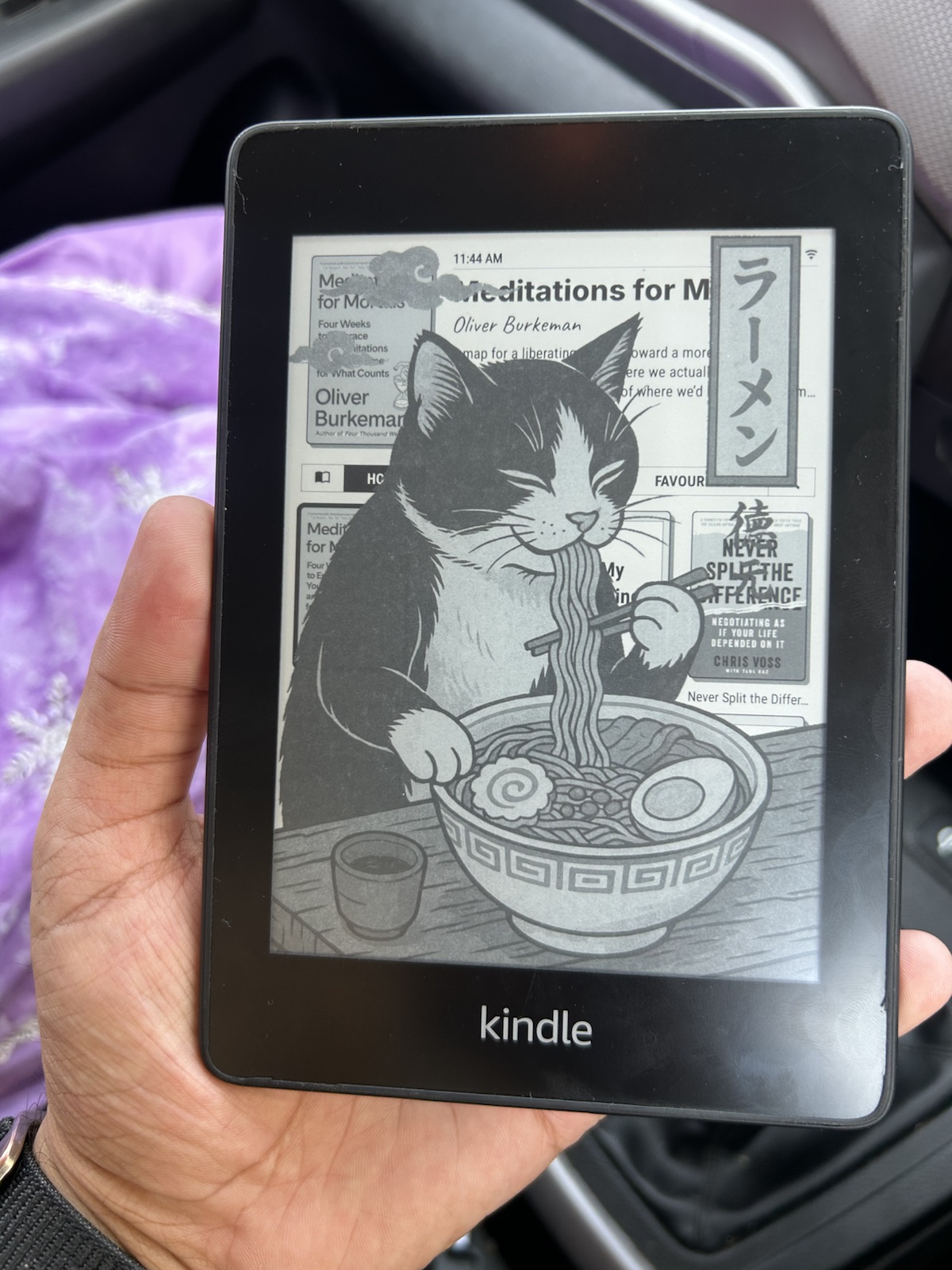
The main payoff for me was KOReader: EPUB support, better PDF reflow, more control over typography, and a library that does not double as a shop.
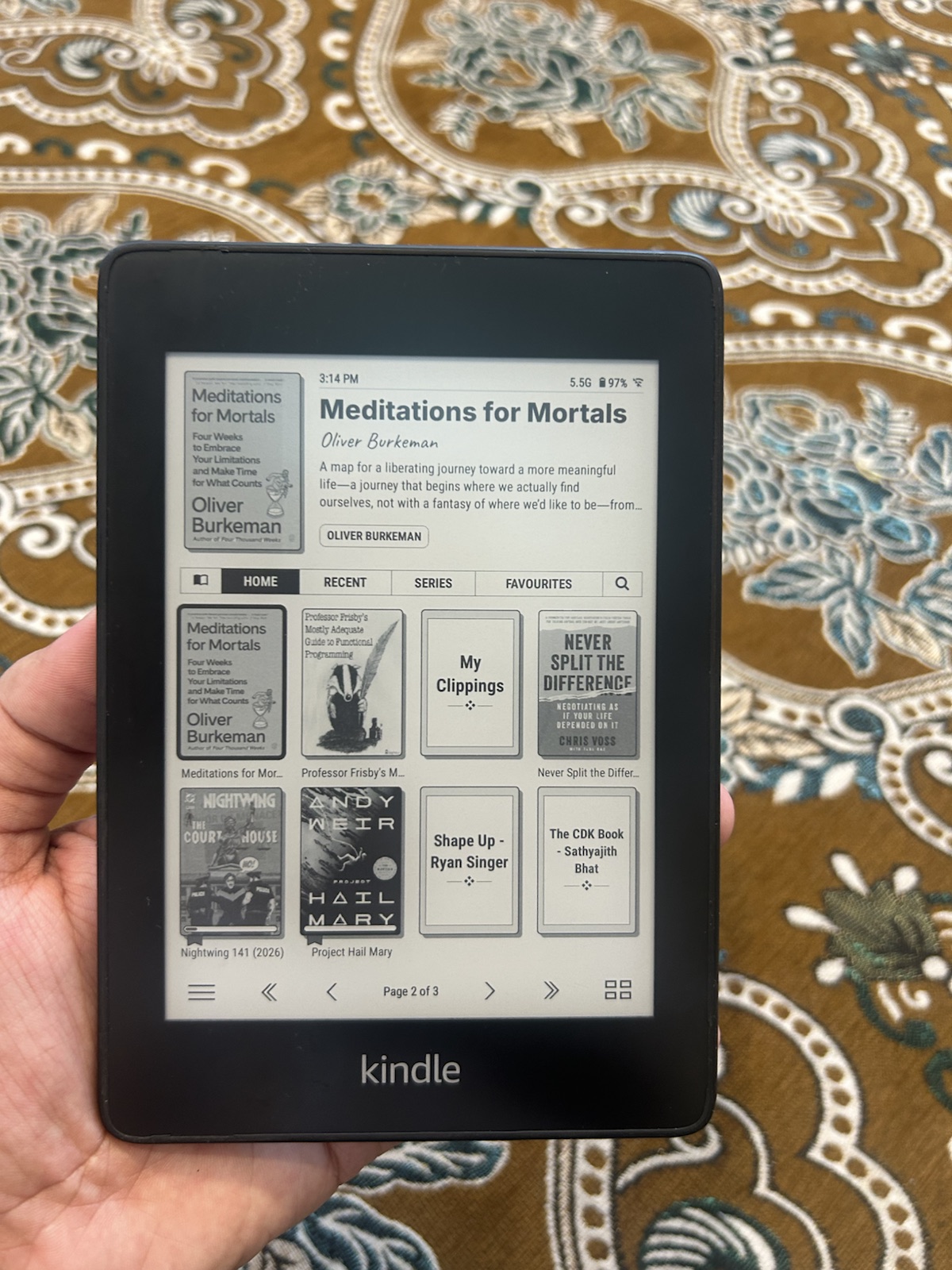
Community members have reported occasional freezes and Calibre transfers that finish without showing the book. I saw one freeze. It was not a dealbreaker, but this firmware-and-jailbreak combination does not have a perfectly clean record.
Laws on device circumvention vary by country and purpose. Owning the hardware does not settle every legal question. The practical warranty risk on my seven-year-old Kindle was one I was willing to take.
The jailbreak gave me a shell, but the shell was not the most important proof. Lasting control showed up in the less dramatic evidence: the right binaries could run, Amazon's updater had been disabled, and the changes survived the interface restart. The unauthenticated delivery remains the part I had to accept rather than verify.
The next post follows the software path: the KOReader plugin could save links, but it could not read them back.